
Does your startup's product still need a UI?
"Products should no longer have a UI. The UI is Codex or Claude."
A Y Combinator founder said this to me recently, half joking. He’s not the only one thinking it, and if you’re a founder planning your first product, or running one with a dashboard your customers log into, it’s a question you should take seriously.
US founder and podcaster Greg Isenberg put it this way on X after spending time with some very successful people in San Francisco:
"It feels like a good chunk of legacy software won't make it to the agentic era, especially anything built around people clicking through a lot of screens."
I don’t think screens are going away tomorrow. But we are seeing a definite shift towards products you can just ask, and it’s showing up in the work we do for clients.
The short answer
Not every product needs a UI anymore. If your customers already work inside Claude or ChatGPT, and the core job is getting answers from data or making routine changes, a connector (MCP server) may serve them better than a dashboard.
If the job is visual, highly interactive, or your customers don’t use an AI assistant, you still need screens. The only reliable way to know is to ask your customers before you build.
What does “no UI” actually mean?
For most of the last 20 years, building a software product meant building screens. Log in, click to a report, filter a table, export to a spreadsheet, click through a form to change something.
The screens were never the product. They were the way people got to the product: the data, the calculations, the rules and the actions sitting behind them.
AI assistants change that. Using MCP (Model Context Protocol), your product can expose those same data, calculations and actions directly to Claude or ChatGPT. The customer adds your product as a connector once, then asks for what they need in plain English.
The AI assistant becomes the interface.
That doesn’t mean the AI gets free rein. A well-built connector only offers the actions you choose to allow, and every request is checked against who the user is and what they’re permitted to do.
What we’re seeing in our own work
Two recent projects show where this is heading.
A loan book you can ask questions of. We built a loan book web application for a private-credit lender in Australia. It has the dashboards and reports you’d expect. Then we built a Claude connector so their team can ask questions of the same data: “What’s our IRR on this fund?” “Which loans are over 70% LVR?” Answers come back using the same calculations as the dashboard, so the numbers always match. Staff don’t wait for a report, and they don’t have to remember where a figure lives in the app.
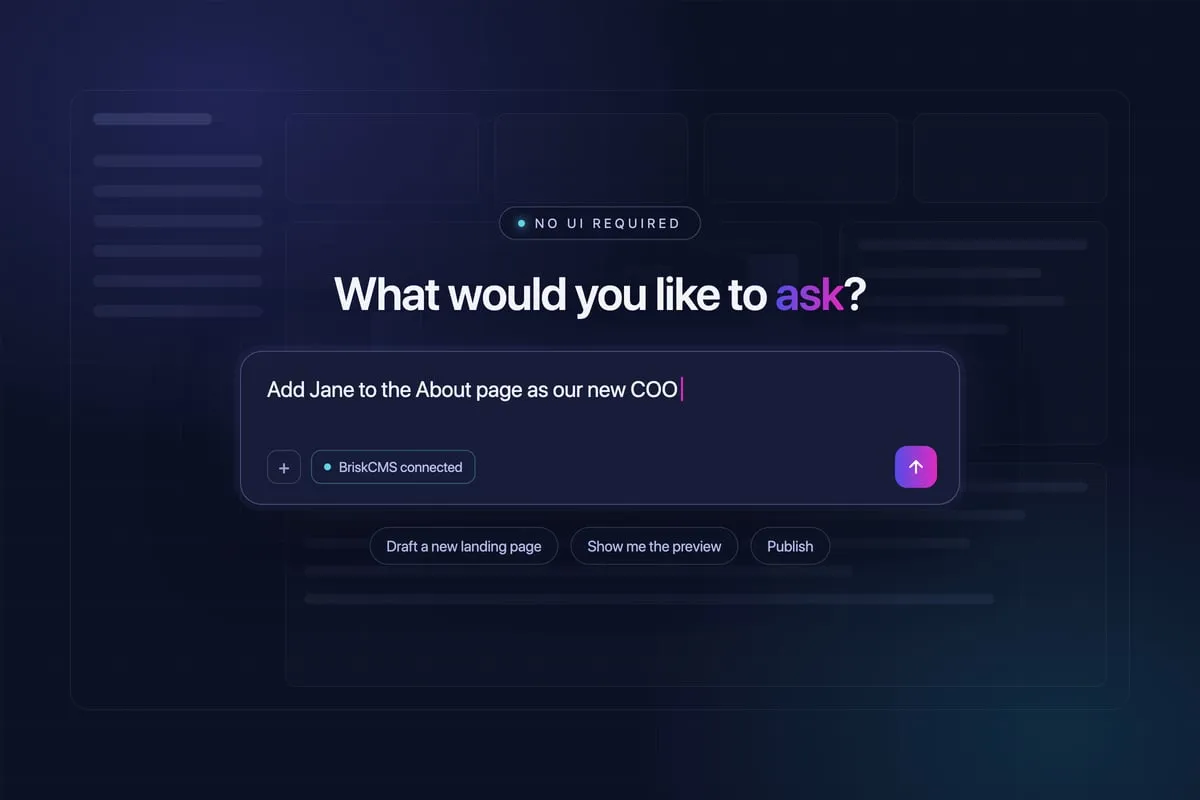
A CMS with no dashboard. We built BriskCMS, an MCP-first CMS. You edit your website by asking Claude or ChatGPT. It makes a draft, you check the preview, and you say “publish”. It’s built with guardrails, so the AI can’t break your design.
In the first case the UI stayed and the connector was added. In the second, we left the UI out entirely. Both were the right call for those products.
When you still need a UI
Before you scrap your wireframes, and your product designer, it’s worth being honest about where screens still win.
- Your customers don't use an AI assistant. Plenty of people, and plenty of industries, aren't there yet. Some workplaces don't allow connectors at all.
- The job is visual. Designing, comparing images, scheduling across a calendar or reviewing a map is easier when you can see it.
- The job is fast and repetitive. If someone taps the same button 50 times a day, typing a request each time is slower.
- Trust needs to be earned. Consumer products, marketplaces and anything involving payments often need a clear, branded experience to build confidence.
- The output needs to be checked carefully. In regulated or high-stakes work, people often want to see the full picture on screen before they approve something.
Often the answer isn’t “UI or no UI”. It’s which jobs belong on a screen and which jobs people would rather just ask for. The list above is illustrative and there may be other reasons for keeping a user interface.
If you’re a first-time founder
This is the best time to ask the question, because you haven’t spent money on screens yet.
Before you brief a designer, think about the product as a set of jobs rather than a set of pages. For each job, ask:
- Who is doing this job, and where do they spend their working day?
- Is the job mostly asking a question, or mostly doing something visual or interactive?
- What do they do with the answer once they have it?
- Would they be comfortable doing this through Claude or ChatGPT, and would their employer let them?
If most of the answers point to an assistant, a connector-first MVP could be smaller, cheaper to run and quicker to get in front of customers. You might add a simple UI later for onboarding, settings or billing. If the answers point the other way, you’ll design better screens because you’ve thought hard about what they’re for.
Either way, the bigger investment is the same: a well-structured backend with accurate data, sound calculations and proper permissions. That’s what both a UI and a connector sit on top of.
If you already have a UI
Don’t rip it out. Your customers learned it, and some of them like it.
Instead, look at your product analytics and your support tickets. Which reports get exported to a spreadsheet straight away? Which screens do people click through just to find one number? Which questions does your team answer by hand for customers every week?
Those jobs are good candidates for a connector. Add one alongside the UI and watch what customers do with it. If usage of certain screens drops, that’s a signal about where to invest next, and where not to.
For B2B products in particular, a connector can also be a competitive advantage. If your customer’s team already lives in Claude, the product that works inside Claude is the one that gets used.
Ask your customers, not the internet
It’s easy to get swept up in what people in San Francisco are saying. Your customers might be in a very different place.
The answer to “does my product need a UI?” comes from the same place as every other good product decision: talking to the people who’ll use it.
We’ve written about how to conduct customer research, and the same rules apply here. Don’t ask “would you use a Claude version of this?” because people might say yes to be polite. Ask about their behaviour:
- Which tools do you have open most of the day?
- Do you use Claude, ChatGPT or Copilot at work? What for?
- Does your company allow connectors to other tools?
- Last time you needed this information, how did you get it, and what did you do with it?
- Which parts of the software you use now do you avoid, or hand to someone else?
If you want stronger evidence, you can run a smoke test and offer both options to see which one people actually sign up for.
Products you can just ask
Some products will always need screens. But a growing number will be judged on how well they work inside the assistant your customers already use, not how good the dashboard looks.
If your customers already live in Claude or ChatGPT, it’s worth asking which parts of your product should be talking to it.
Not sure whether your product needs a UI?
We help Australian founders work this out before they spend money on the wrong thing. Whether that’s a startup MVP, custom software or a Claude or ChatGPT connector for a product you already have, get in touch and we’ll talk it through.
Frequently asked questions
Does a startup product still need a user interface?
Not always. If your customers already spend their day in Claude or ChatGPT and the core job is asking questions of data or making routine changes, a connector (an MCP server) may serve them better than a dashboard. If the job is visual, highly interactive, or your users don't use an AI assistant, you still need a UI. Customer research is the way to find out which applies to you.
What is a Claude or ChatGPT connector?
A connector is a secure link between an AI assistant and your product, built on MCP (Model Context Protocol). It exposes a specific set of actions your product chooses to allow, and every request is checked against who the user is and what they're permitted to do. Your customers add it once, then use your product by asking.
Should I remove the UI from my existing product?
Probably not. For most existing products the better move is to add a connector alongside the UI, then watch which jobs customers move across. Over time you may find some screens are rarely used and don't need further investment.
Is a product without a UI cheaper to build?
It can be, because there are fewer screens to design, build and maintain. But the hard parts don't go away. You still need a well-designed backend, accurate calculations, permissions, security and guardrails. In an agent-first product those parts matter more, not less.
How do I find out whether my customers want a UI or a connector?
Talk to them before you build. Ask how they work today, which tools they spend their day in, and what they do with the information your product would give them. Watch for whether they already use Claude or ChatGPT at work, and whether their company allows connectors. Our guide to conducting customer research covers how to run those conversations.