
I Connected Claude Code to Webflow MCP 2.0. Here's My Honest Take
This post is the honest version of that journey. Not the “AI builds your website while you sleep” version. The version where most of the hard work happens before the agent ever touches the Designer, and where knowing Webflow still matters a lot.
If you’re a business owner or founder thinking about a Webflow website, this is also for you. You don’t need to care about MCP itself. You need to care about whether the people building your site know how to use new tools without letting quality slip.
First, what is MCP?
MCP stands for Model Context Protocol. Think of it as a shared language that lets AI tools talk to other software in a structured way.
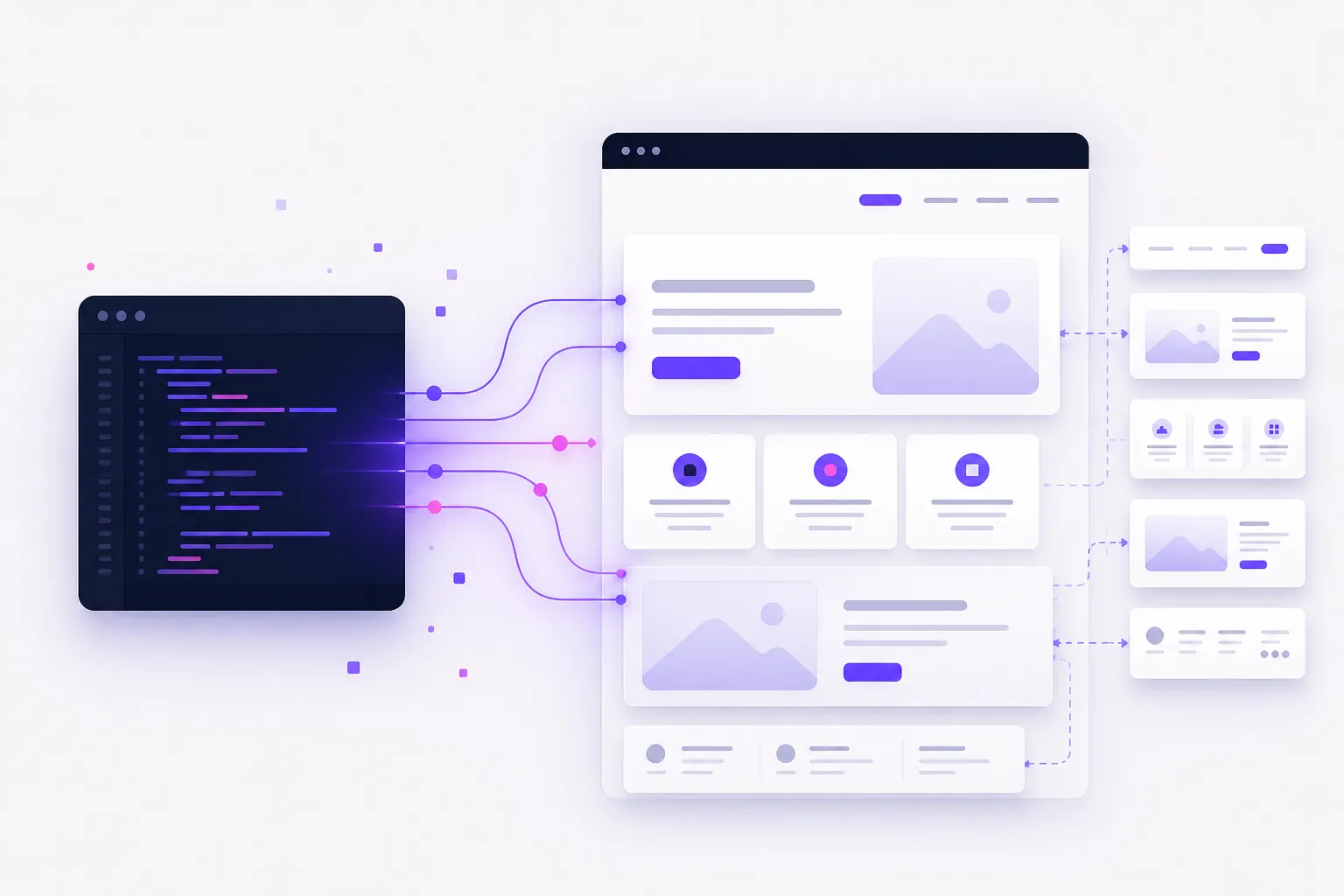
In practical terms, Webflow’s MCP is the bridge between an AI agent and your Webflow site. Instead of copying and pasting, or describing a page in the abstract, the agent can work with your actual styles, components, variables, CMS and more.
Webflow’s first MCP was useful but a bit fiddly. MCP 2.0 is a clear step up. According to Webflow, agents can now build components with props and variants, work with CSS variables, follow site-level agent instructions, and do more of that work without keeping a separate bridge app open for most workflows (although my agent asked me to install the Webflow Bridge App). You can dig into the details in Webflow’s own posts on the agentic web and what’s new in MCP 2.0.
That sounds impressive. It is. But the connection alone is not the interesting part.
The unglamorous part came first
Before I connected anything, I spent a lot of time with Claude writing the skills and rules the agent would need to build the way we build.
If you’ve never heard those terms, here’s the short version. Skills are reusable playbooks. They tell an agent how to do a specific job, like “create a Webflow component the way this team does it.” Rules are the standing instructions: the standards, constraints and preferences the agent should follow every time.
This is where most of the value lives. Connecting Claude Code to Webflow takes minutes. Teaching it your standards takes much longer, and that time is worth it.
For us, those instructions covered the things that matter on a real client site:
- Client-First 3.0. Client-First is a Webflow style system from Finsweet. It gives projects a consistent way to name classes, structure pages, handle spacing and keep a site maintainable as it grows. We use Client-First 3.0 as the foundation for our builds, so the agent needed those conventions baked in rather than inventing its own.
- A detailed style guide. Typography, colour, spacing, components, states, responsive behaviour. The stuff that stops a site looking like five different people built it.
- SEO. Search engine optimisation: the technical and content foundations that help a site get found in Google. Structure, headings, metadata, clean markup, sensible internal linking. Not glamorous, still essential.
- AEO. Answer Engine Optimisation is about making sure AI tools like ChatGPT, Claude, Perplexity and Google AI Overviews can understand your site and cite it. We care about this enough that we offer it as a dedicated service.
- Accessibility. Building so people can use the site regardless of how they browse, including keyboard navigation, screen readers, colour contrast and sensible semantics. The baseline standard here is WCAG.
- Page load speed. Image handling, clean structure, avoiding unnecessary weight. A site that looks great and loads slowly is still a bad site.
None of that is unique to AI. It’s just good web development. The difference is that an agent will happily ignore a decent amount of it unless you write it down clearly and force it into the workflow.
This took a while to get right. But it’s also the part we’ll reuse on other client sites. Once those skills and rules are solid, every future Webflow project starts further ahead.
Having deep web development experience made a real difference here. Claude could draft, refine and stress-test the instructions quickly. Without knowing what good looks like in Webflow, CSS, accessibility, SEO and performance, I don’t think we would have ended up with anything nearly as useful. The agent is only as disciplined as the person directing it.
Then the connection took about five minutes
Once the foundations were in place, connecting to Webflow’s MCP was straightforward. Roughly five minutes, end to end.
I used Claude Code, which is the more developer-centric path and involves a CLI command. But that isn’t the only option. Webflow’s docs also cover click-to-connect setups for Claude Desktop (a native connector in the chat UI) and Cursor (a Marketplace plugin). Both use a normal OAuth login to authorise your sites. No terminal required.
If you do go the Claude Code route and hit Node.js or other local environment issues, it can take longer, though Claude can usually walk you through the fixes.
Design was already done in Figma
The site I was working on had already been designed in Figma. That mattered.
I wasn’t asking Claude to invent a brand, guess a layout language, or redesign the homepage from a vague brief. I was asking it to build components that matched a design system that already existed, using rules that already described how we implement that system in Webflow.
With MCP 2.0 connected, I could get Claude Code to build components for me. Not perfect components every time. Not finished pages with no review. But real, useful building blocks that respected the project’s conventions far more closely than a cold prompt would have.
This is the pattern that feels durable to me (in August 2026):
- Design the product properly, usually in Figma when the brand and layout need that level of thought.
- Encode the implementation standards as skills and rules.
- Let the agent do the repetitive construction work inside Webflow.
- Keep a human in the loop for judgment, edge cases and quality control.
We’ve written before about how AI changed our development workflow in 2026. This is the Webflow version of the same lesson. Speed is real. Unguided speed is messy.
It still needs a human in the loop
I want to be clear about this, because the marketing around AI tools often skips it.
There are still things the agent can’t do, or can’t do well enough. That means you still need to jump into Webflow yourself. Sometimes for a small fix. Sometimes because a particular interaction, layout quirk or Designer-only workflow sits outside what the agent can reach cleanly.
There’s also the quieter work of review. An experienced Webflow developer can scan an agent-built component and spot the minor issues fast: a class that doesn’t belong, spacing that almost matches the system, a responsive state that looks fine at one breakpoint and falls apart at another, an accessibility miss that won’t show up in a happy-path screenshot.
Those issues are rarely catastrophic. They’re just the difference between “it works” and “this is ready for a client.”
Deep Webflow knowledge helps … a lot
This was the biggest practical takeaway.
Knowing Webflow well helps in three ways:
- Better prompts. If you understand components, variables, combo classes, breakpoints and Client-First structure, you can ask for the right thing in the first place.
- Faster recovery. When the agent drifts, and it will, you can recognise why and pull it back on track instead of watching it dig a deeper hole.
- Cleaner finishing. Some work still needs a human hand in the Designer. Experience makes that finishing pass quick rather than painful.
So, MCP 2.0 does not make Webflow expertise optional. If anything, it makes good Webflow expertise more valuable, because the people who understand the platform can multiply their output without lowering the standard.
That lines up with something we keep seeing across AI tools in general. The gap isn’t between people who use AI and people who don’t. It’s between people who can direct AI properly and people who hope the tool will invent taste, judgment and technical discipline for them.
What this means if you’re hiring a Webflow team
If you’re reading this as a potential client, here’s the useful bit.
AI can now do more useful work inside Webflow than it could a few months ago. MCP 2.0 is a genuine upgrade, and teams that invest in the setup will move faster.
But the setup is the point. The skills, the rules, the style system, the SEO and AEO foundations, the accessibility standards, the performance expectations. Those are what stop AI output from becoming a pile of almost-right components that someone else has to untangle later.
Our approach is simple:
- Use AI where it accelerates real delivery.
- Encode the standards so speed doesn't invent chaos.
- Keep experienced humans responsible for the final quality.
Of course this approach will change over time but so far this works well.
We’re still early in this MCP 2.0 workflow (everyone is!). There will be more to learn, more skills to refine, and more edges where the agent falls short. But the direction is clear. For Webflow builds, AI is becoming a serious production tool, provided the person directing it actually knows what a good Webflow site looks like.
Need a Webflow website built properly?
We’re an experienced Webflow development team in Sydney and Canberra. We build marketing sites with Client-First foundations, strong SEO and AEO, accessibility and performance baked in, and we use modern AI tooling where it genuinely helps. If you’re planning a new Webflow site, or want an honest look at one you already have, get in touch.
Frequently asked questions
What is Webflow MCP 2.0?
MCP stands for Model Context Protocol. Webflow's MCP is the official connection that lets AI tools like Claude, ChatGPT and Cursor work directly with your Webflow site. Version 2.0 launched on 21 July 2026 and added stronger support for components, design tokens, agent instructions, CMS work and analytics, without needing a bridge app for most workflows.
Do I need Webflow experience to use MCP with AI?
You can connect an AI agent without deep Webflow knowledge. Experience helps you write high quality rules and skills, craft clearer prompts, spot when the agent goes sideways, and finish the parts of a build that agents still can't handle cleanly inside Webflow.
Can AI build a full Webflow website on its own?
Not reliably, yet. MCP 2.0 makes agents much more useful for building components and working within an existing design system, but a human still needs to review the work, fix edge cases, and handle the parts of Webflow that agents can't reach yet.
What is Client-First in Webflow?
Client-First is a widely used Webflow style system and development framework from Finsweet. It gives projects a consistent structure for class naming, spacing, typography and page layout, which makes sites easier to maintain and hand over. We use Client-First 3.0 as the foundation for our Webflow builds.
Do I need a terminal to connect Webflow MCP?
No. Claude Desktop has a native Webflow connector, and Cursor has a one-click Marketplace plugin. Both use a normal OAuth login, no terminal required. Claude Code is the more developer-centric option and uses a CLI command. Either way, the connection itself usually takes around five minutes. The bigger time investment is writing the skills and rules that tell the agent how your team actually builds.